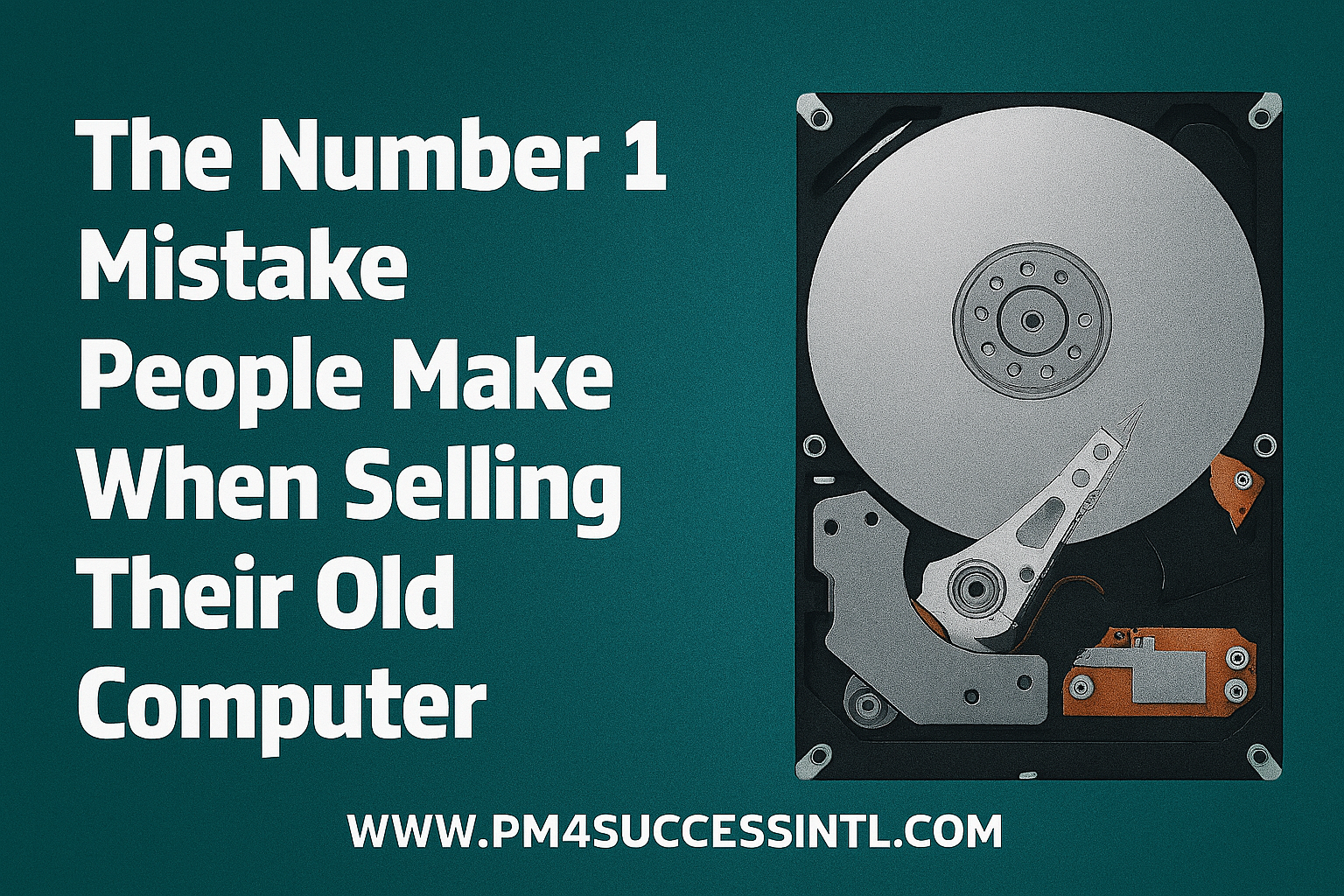
The Number 1 Mistake People Make When Selling Their Old Computer (And It is Not About the Price).
- October 28, 2025
You have finally done it. You have unboxed your new laptop, transferred your files, and now you are staring at your old faithful computer, ready to list it on Jiji or Marketplace. You are thinking about the price, the listing photos, and how to describe its specs.
But while you are focused on the sale, you might be on the verge of making a catastrophic mistake that has nothing to do with money.
You see, most people think they have wiped their old computer clean. They drag their files to the recycle bin and empty it. Maybe they even go a step further and "format" the drive. They see an empty desktop and think, "I am good to go!"
I am here to tell you, with 100% certainty: That is not enough. In fact, it is barely a start.
The Illusion of "Delete"
When you delete a file or even format a drive, your computer is not scrubbing the data away. It is simply removing the "address" to that data, marking the space as available for new information. Until that space is overwritten, which can take months or even years, which signifies your old files are sitting there, fully intact.
For anyone with a little know-how and a free software tool, recovering your "deleted" photos, documents, financial transactions, and saved passwords is frighteningly easy. You are not just selling an old piece of hardware; you are potentially handing over a digital diary of your life to a complete stranger.
Full Disk Encryption (FDE)
So, how do you truly protect yourself? The answer is a powerful, built-in security feature called Full Disk Encryption (FDE).
Think of it like this:
- Without Encryption: Selling your computer is like selling a filing cabinet after you have taken out the file folders. The papers are still sitting in the drawers for the new owner to read.
- With Encryption: Selling your computer is like selling a filing cabinet that is permanently locked inside a solid steel safe. The new owner gets the safe, but you keep the only key. Without that key, everything inside is nothing but useless, scrambled gibberish.
If your old computer's drive was encrypted from the start, wiping it for sale becomes incredibly simple and secure. You don't need to painstakingly erase every single bit of data. You just need to throw away the "key." The new owner gets the drive, but without that unique key, they can never access what was on it. It is permanently locked.
Your Action Plan: How to Sell Safely in 3 Steps
Whether your current computer is encrypted or not, here is your safe, step-by-step guide.
Scenario A: If You Have Been Using Encryption (The Easy Way)
If you already had BitLocker (Windows) or FileVault (Mac) enabled, you are already a security pro! The process is simple:
- Back Up Everything: Ensure all your important files are safely on your new computer or an external drive.
- Throw Away the Key: When you reset the computer (see next step), the system will automatically destroy the encryption key during the process. The old data becomes permanently inaccessible. It is that simple.
Scenario B: If You Haven't Been Using Encryption (The Safer-But-Longer Way)
Don't worry, you can still fix this. The goal here is to overwrite the old, unprotected data completely.
1. Back Up Everything.
2. Perform a "Secure Erase": When you reset your computer, look for an option that specifically mentions securely wiping the drive. This process writes random data over the entire drive, making the original files virtually unrecoverable. On Windows: During the reset process, choose "Remove everything" and then "Clean the drive". This is the option that does the secure erase. On Mac: Restart your Mac and enter macOS Recovery. Use Disk Utility to erase your hard drive, but make sure you choose a secure option. Often, a simple erase on a modern Mac with a solid-state drive (SSD) is sufficient, but for older drives, you may see options for a multi-pass secure erase.
The way forward
Once you are safe and sound with your new computer, take two minutes to set up Full Disk Encryption today. On a Mac, this is called FileVault. On Windows, it is called BitLocker (available on most professional editions) or Device Encryption (on many modern Home editions).
Turn it on. It runs silently in the background with zero impact on your speed, and it means that the next time you upgrade, you can sell your old device with absolute peace of mind.
Selling your old tech is a great way to recoup some cash. Just make sure you are only selling the hardware, and not your digital identity along with it.
Disclaimer: This guide is for personal, informational use. For businesses handling sensitive data, consult with your IT department for a certified data destruction policy.
References
How To Remove Your Personal Information Before You Get Rid of Your Computer https://consumer.ftc.gov/articles/how-remove-your-personal-information-you-get-rid-your-computer
National Institute of Standards and Technology (NIST). (2014). SP 800-88 Rev. 1: Guidelines for Media Sanitization. Retrieved from https://nvlpubs.nist.gov/nistpubs/SpecialPublications/NIST.SP.800-88r1.pdf
Microsoft Support. Reset or reinstall Windows. https://support.microsoft.com/en-us/windows/reset-your-pc-0ef73740-b927-549b-b7c9-e6f2b48d275e
Apple Support. Erase your Mac and reset it to factory settings. https://support.apple.com/en-ng/102664
#Data Privacy #Cybersecurity #FullDiskEncryption #TechTips #SellingLaptop #DataProtection #DigitalSafety #BitLocker #FileVault #HowTo #PrivacyMatters #Safe Computing #DataSanitization #HardDriveWipe #PCReset #MacReset
Written By: MACDONALD OGUAMA